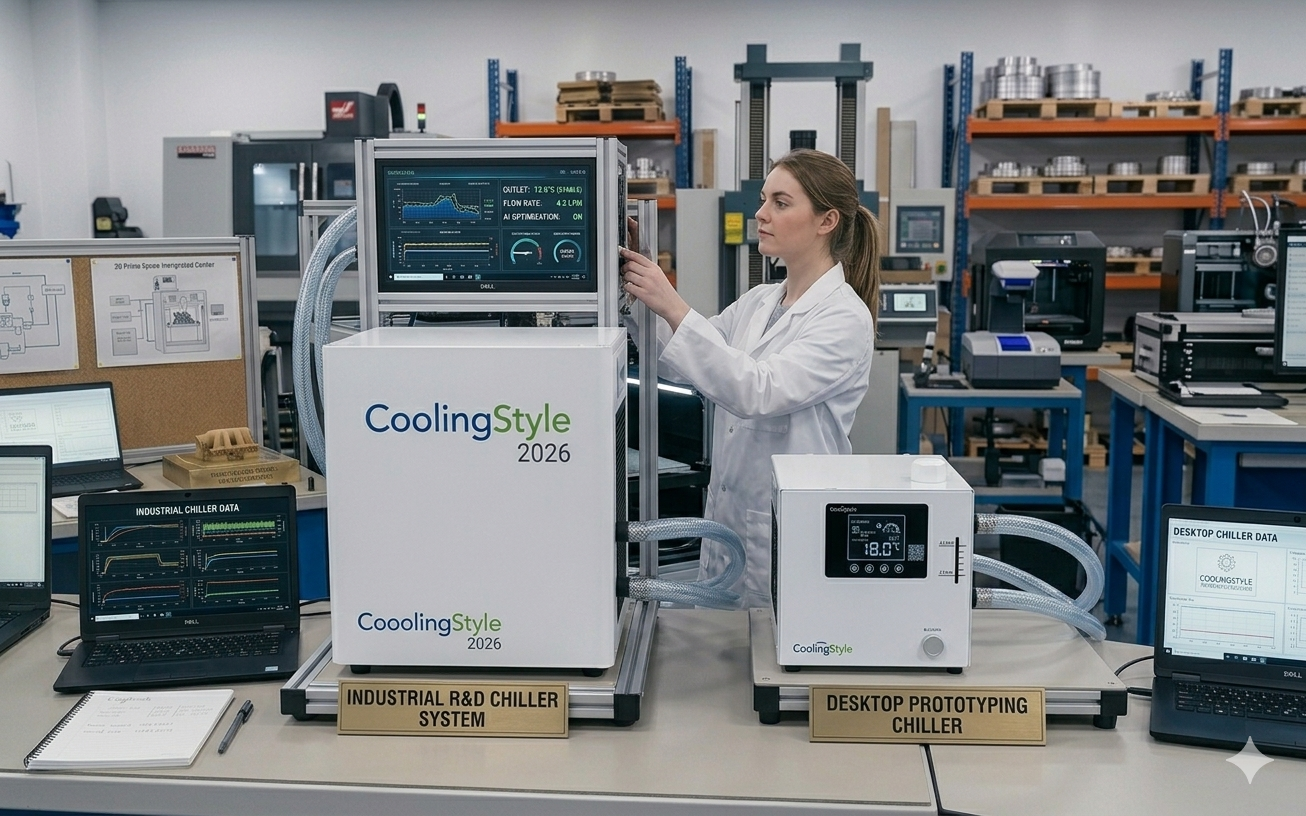
Resin 3D printing, also known as SLA, DLP, or LCD printing, is widely recognized for its ability to produce highly detailed and smooth-surface parts. jedoch, achieving consistent results requires precise environmental and thermal control. One often overlooked factor is Temperaturstabilität, which directly affects resin behavior, curing consistency, und allgemeine Druckqualität.
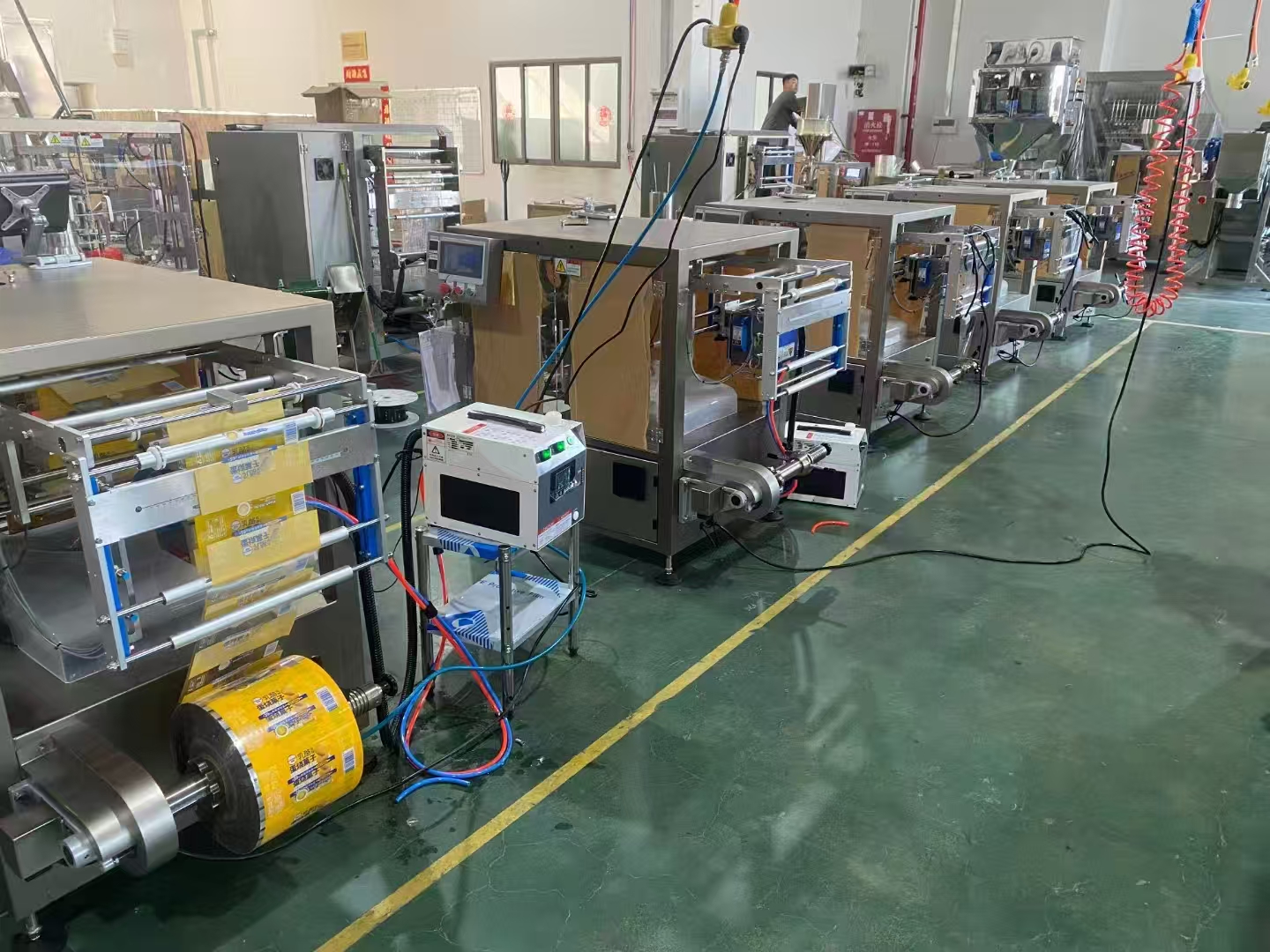
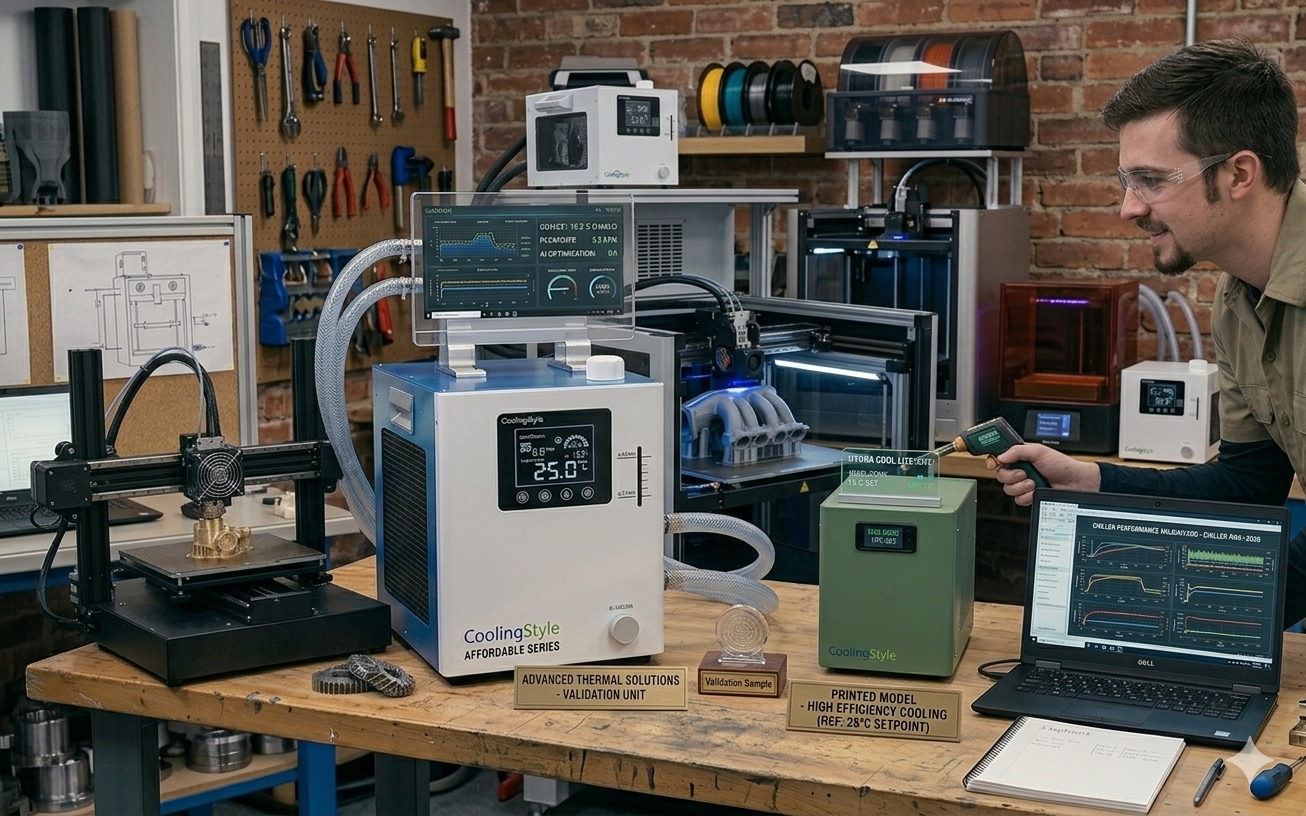
Installing a water chiller for resin 3D printers is an effective solution to maintain optimal operating conditions. In diesem umfassenden Ratgeber, we will walk you through the setup process, explain why cooling is critical for resin printing, and demonstrate how advanced solutions from Kühlstil—featuring ±0,01°C Genauigkeit, kompaktes Mikrodesign, umweltfreundliches Kältemittel R290, und Mikrokanal-Wärmeaustauschtechnologie—can significantly enhance performance.
Why Temperature Control Matters in Resin 3D Printing
Unlike filament-based printing, resin printing relies on photopolymerization. Temperature fluctuations can alter resin viscosity and curing speed, führt zu:
- Layer inconsistencies
- Warping or shrinkage
- Incomplete curing
- Surface defects
Maintaining a stable temperature ensures predictable resin behavior and higher-quality results.
Benefits of Using a Water Chiller
A water chiller offers several advantages over passive cooling or air-based systems:
- Präzise Temperaturregulierung
- Effiziente Wärmeabfuhr
- Consistent printing conditions
- Reduced risk of print failure
High-performance systems like Kühlstil bieten ±0,01°C Genauigkeit, making them ideal for high-detail resin applications.
Understanding Resin Printer Heat Sources
Before setting up a chiller, it’s important to understand where heat originates:
- UV light source (LCD/laser)
- Electronics and power systems
- Ambient environment
These heat sources can raise internal temperatures, affecting resin performance if not properly managed.
Tools and Equipment Needed
- Water chiller unit
- Compatible tubing
- Coolant or distilled water
- Hose clamps
- Power supply
- Temperature monitoring tools
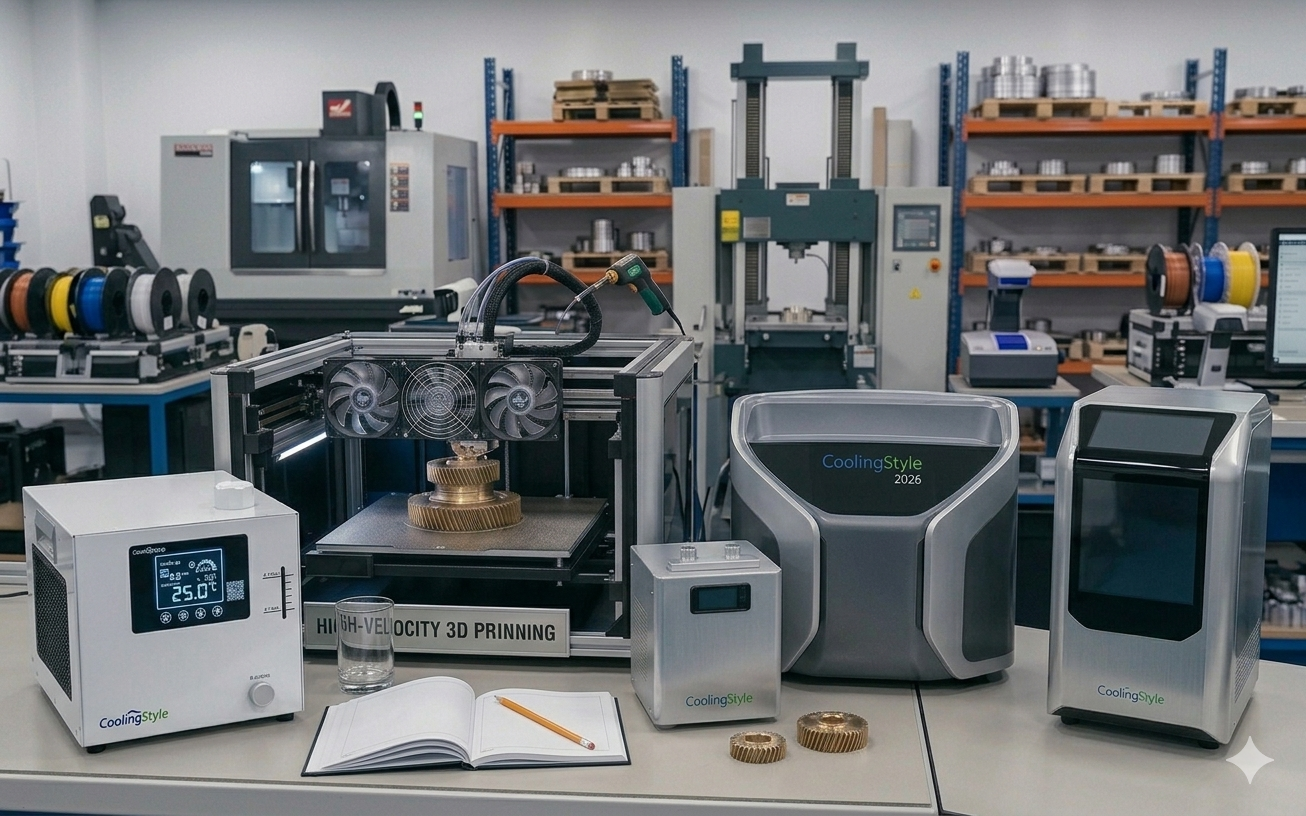
Thanks to its kompaktes Mikrodesign, coolingstyle chillers are easy to integrate even in small workspaces.
Schritt 1: Choose the Installation Location
Select a well-ventilated area near your resin printer:
- Avoid direct sunlight
- Ensure airflow around the chiller
- Keep the unit stable and level
The compact size of coolingstyle units allows flexible placement without taking up valuable workspace.
Schritt 2: Identify Cooling Points on the Printer
Determine where the cooling system will connect. Common points include:
- UV light module cooling ports
- External cooling loops (if available)
Consult your printer’s manual for compatibility.
Schritt 3: Connect Tubing
Proper tubing installation is essential for efficient cooling:
- Connect inlet and outlet ports
- Secure with clamps
- Avoid bends or restrictions
Coolingstyle’s Mikrokanal-Wärmeaustauschtechnologie enhances flow efficiency, ensuring optimal cooling performance.
Schritt 4: Fill the Cooling System
Add coolant according to manufacturer recommendations:
- Use distilled water or approved coolant
- Remove air bubbles
- Check for leaks
Schritt 5: Connect Power and Start the System
Ensure proper electrical setup:
- Match voltage requirements
- Use grounded outlets
- Avoid overloaded circuits
Coolingstyle systems are energy-efficient and designed for stable operation.
Schritt 6: Set the Target Temperature
Resin printing typically performs best within a controlled temperature range.
- Standard resins: 20–25°C
- Engineering resins: tighter control required
Mit ±0,01°C Genauigkeit, coolingstyle allows extremely accurate temperature adjustments.
Schritt 7: Test the System
Run initial tests before full operation:
- Check coolant flow
- Monitor temperature stability
- Inspect for leaks
Schritt 8: Optimize for Your Workflow
Fine-tune settings based on your production needs:
- Adjust temperature for different resins
- Monitor print consistency
- Optimize cooling cycles
Häufige Fehler, die es zu vermeiden gilt
- Using incorrect coolant
- Poor tubing connections
- Ignoring airflow requirements
- Setting unstable temperatures
Maintenance Tips for Long-Term Performance
- Clean filters regularly
- Check coolant levels
- Inspect tubing for wear
- Perform routine system checks
Why coolingstyle Is Ideal for Resin 3D Printing
Kühlstil offers advanced cooling solutions tailored for precision applications like resin printing.
Schlüsselvorteile:
- Ultra-high precision (±0,01°C)
- Compact micro design for tight spaces
- Umweltfreundliches Kältemittel R290
- Fortschrittliche Mikrokanal-Wärmeaustauschtechnologie
- Stable and reliable cooling performance
These features ensure consistent results, verbesserte Effizienz, and reduced operational risks.
Future Trends in Resin Printing Cooling
- Smart temperature monitoring systems
- Kompaktere Hochleistungskältemaschinen
- Stärkere Einführung umweltfreundlicher Kältemittel
- Integration with automated workflows
Fazit
Setting up a water chiller for resin 3D printers is a crucial step toward achieving consistent, hochwertige Ergebnisse. Proper installation and configuration ensure stable temperatures, Ausfälle reduzieren, and improve overall efficiency.
By choosing an advanced solution like Kühlstil, you gain access to 0.01°C-Präzision, kompaktes Design, umweltfreundliches Kältemittel R290, und Mikrokanal-Wärmeaustauschtechnologie, making it easier to optimize your resin printing workflow.
Investing in the right cooling system is not just about temperature control—it’s about unlocking the full potential of your resin 3D printing operation.
Upgrade Your Resin Printing with coolingstyle
Contains AI Content