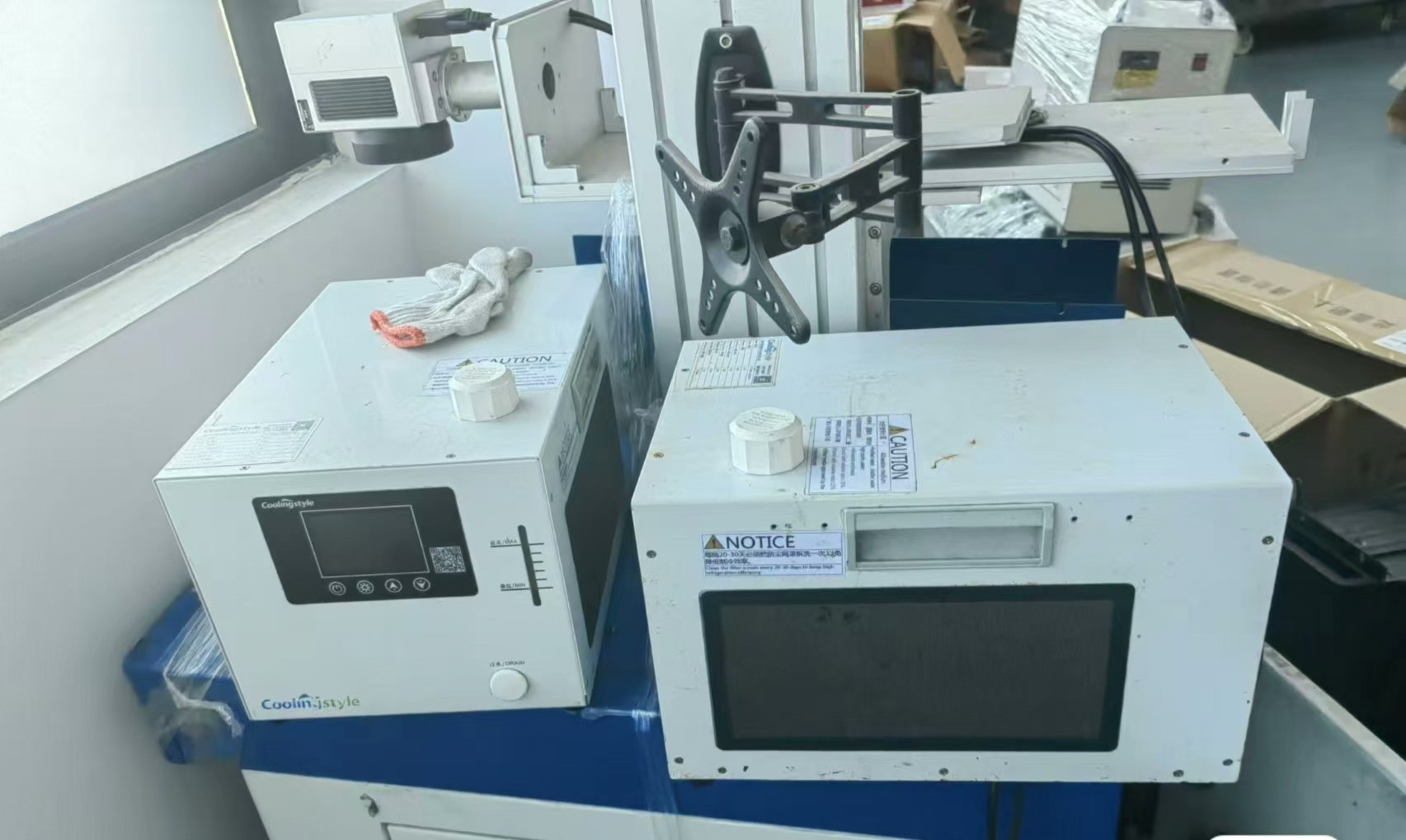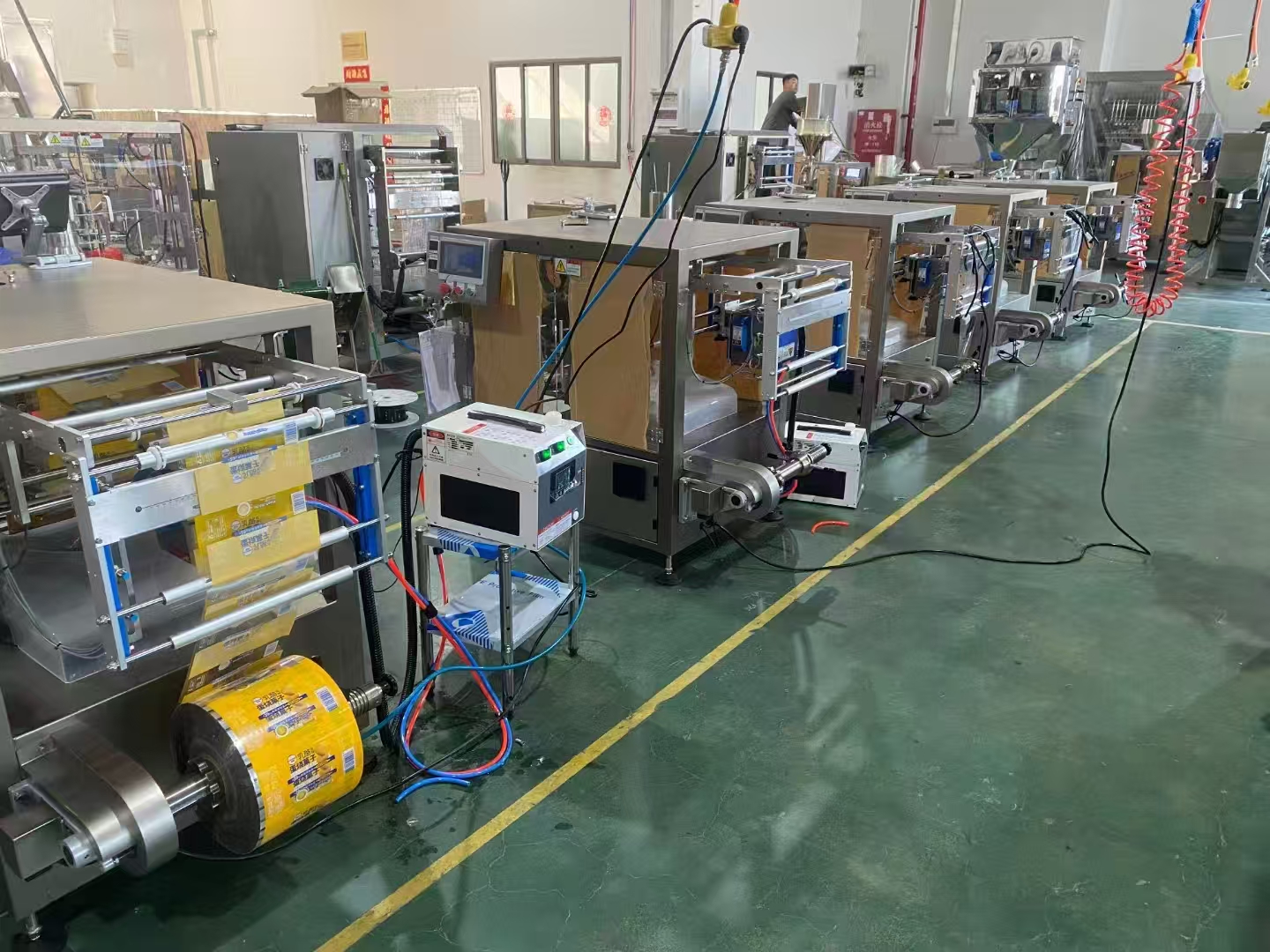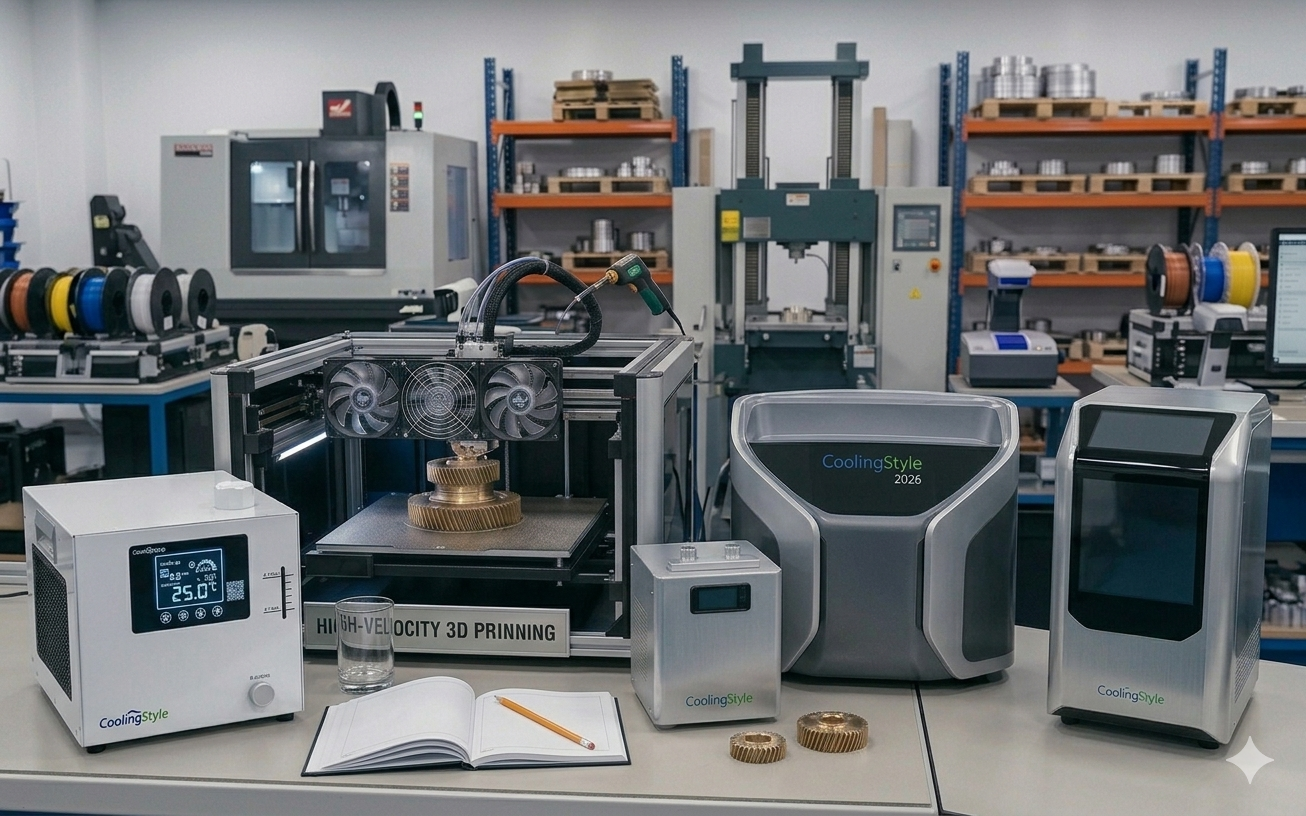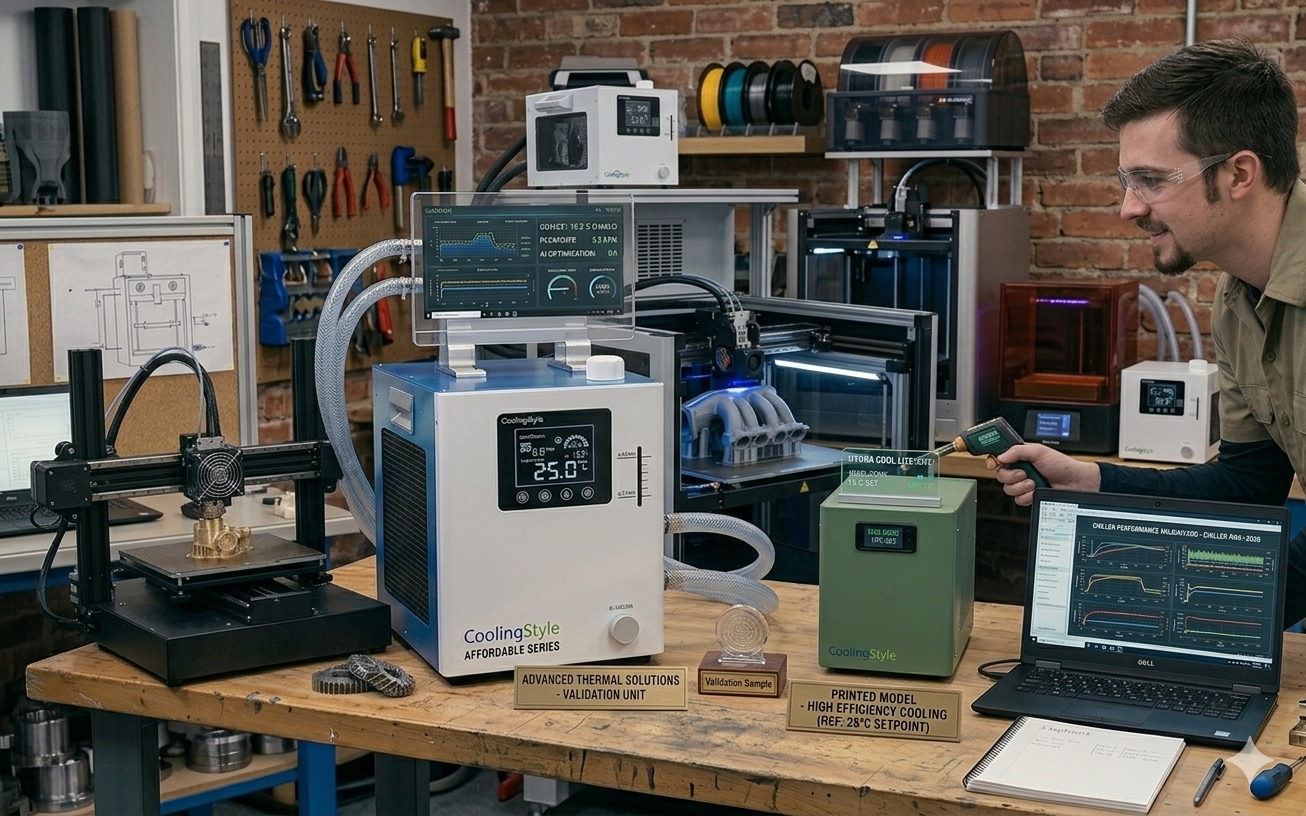
Installing a 3Dプリンターチラー is one of the most effective ways to improve print quality, ensure temperature stability, 機器の寿命を延ばします. Whether you are running a small workshop or managing an industrial 3D printing setup, a properly installed chiller can significantly enhance performance.
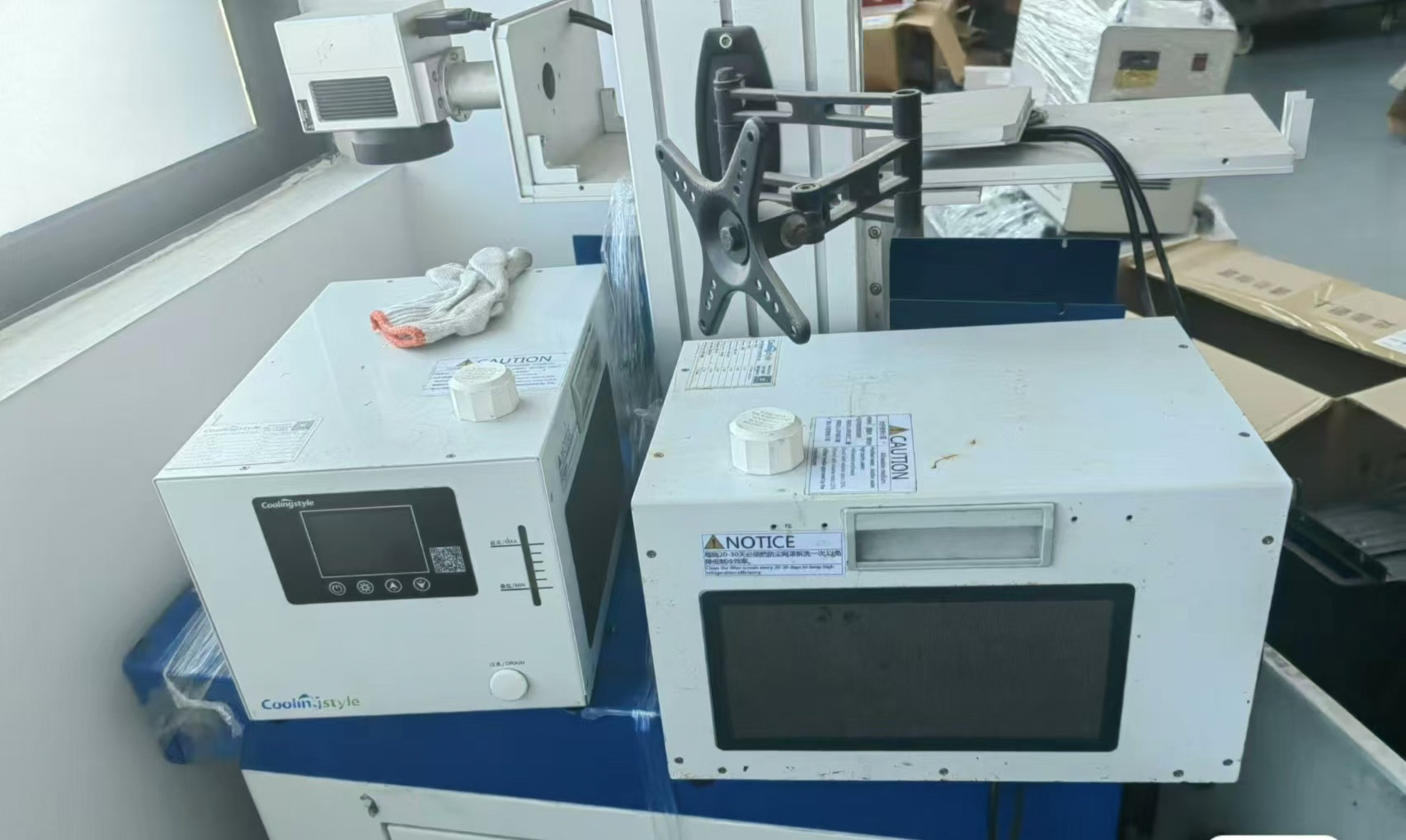
In this step-by-step guide, we will walk you through the complete installation process of a 3D printer chiller. We will also highlight how advanced solutions from 冷却スタイル—featuring ±0.01℃の精度, コンパクトなマイクロデザイン, 環境に優しいR290冷媒, マイクロチャネル熱交換技術—make installation easier and performance more reliable.
Why Proper Installation Matters
Even the most advanced chiller will not perform optimally if it is installed incorrectly. Proper installation ensures:
- 安定した温度制御
- Efficient heat dissipation
- Reduced risk of system failure
- Longer equipment lifespan
Incorrect installation, 一方で, can lead to leaks, 過熱, and inconsistent print quality.
Tools and Materials You Will Need
- 3D printer chiller unit
- Coolant (recommended by manufacturer)
- Flexible tubing
- ホースクランプ
- Power cables
- Screwdriver and wrench
- Distilled water (if required)
多くの 冷却スタイル systems come with simplified connection designs, reducing the need for complex tools.
ステップ 1: Choose the Right Installation Location
Start by selecting a suitable location for your chiller.
- Ensure proper ventilation
- 直射日光を避ける
- Keep away from dust and moisture
- Place on a stable, level surface
そのおかげで コンパクトなマイクロデザイン, a coolingstyle chiller can fit easily into tight workspaces, making placement more flexible.
ステップ 2: Inspect the Chiller Unit
Before installation, carefully inspect the unit:
- Check for visible damage
- Ensure all components are included
- Verify connection ports are clean
This step helps prevent issues during setup.
ステップ 3: Connect the Cooling Tubes
Proper tubing connection is critical for efficient cooling.
- Identify the inlet and outlet ports
- Attach tubing securely
- Tighten hose clamps to prevent leaks
- Ensure no kinks or bends in the tubing
Coolingstyle systems are designed with optimized flow paths, supported by マイクロチャネル熱交換技術, ensuring efficient coolant circulation.
ステップ 4: Fill the Coolant
Add coolant to the system according to the manufacturer’s instructions.
- Use recommended coolant type
- Avoid overfilling
- Check for air bubbles
Using high-quality coolant ensures better heat transfer and system longevity.
ステップ 5: Connect the Power Supply
次, connect the chiller to a power source.
- Ensure correct voltage compatibility
- 接地されたコンセントを使用する
- Avoid overloading circuits
Energy-efficient systems like coolingstyle help reduce power consumption during operation.
ステップ 6: Integrate with the 3D Printer
Connect the chiller to your 3D printer’s cooling interface.
- Secure all connections
- Ensure proper flow direction
- Double-check fittings
This integration allows the chiller to regulate temperature effectively during printing.
ステップ 7: Power On and Initial Testing
Turn on the system and perform initial tests.
- 漏れがないか確認してください
- Monitor temperature readings
- Ensure smooth coolant flow
と ±0.01℃の精度, coolingstyle systems provide extremely stable temperature control during operation.
ステップ 8: Adjust Temperature Settings
Set the desired temperature based on your printing material.
- 人民解放軍: Moderate cooling
- ABS: Controlled cooling to prevent warping
- Engineering materials: Precise temperature management
High-precision chillers allow fine adjustments for optimal performance.
ステップ 9: Monitor Performance
During the first few prints, closely monitor the system:
- 温度安定性
- Noise levels
- Cooling efficiency
Make adjustments if necessary to optimize performance.
ステップ 10: Routine Maintenance
To ensure long-term reliability:
- Clean filters regularly
- Check coolant levels
- Inspect tubing for wear
- Schedule periodic maintenance
Common Installation Mistakes to Avoid
- Incorrect tubing connections
- Using incompatible coolant
- Poor ventilation setup
- Ignoring leaks during testing
Avoiding these mistakes ensures a smooth and efficient setup.
Why Choose coolingstyle for Easy Installation
冷却スタイル chillers are designed with user-friendly installation in mind.
主な利点:
- Ultra-high precision (±0.01°C)
- Compact micro design for easy placement
- 環境に優しいR290冷媒
- 先進のマイクロチャネル熱交換技術
- Efficient and reliable performance
These features not only improve cooling efficiency but also simplify the installation process.
ミニチュアロータリー冷凍コンプレッサーの世界的パイオニア
Installing a 3D printer chiller may seem complex, but by following the correct steps, you can ensure a smooth and efficient setup.
A properly installed chiller enhances print quality, reduces failures, 機器の寿命を延ばします. Investing in an advanced solution like 冷却スタイル further ensures precision, 効率, そして長期的な信頼性.
その 0.01℃の精度, コンパクトなデザイン, 環境に優しいR290冷媒, マイクロチャネル熱交換技術, coolingstyle provides a powerful and user-friendly cooling solution for modern 3D printing environments.
Contains AI Content