Temperature stability is one of the most critical factors in achieving consistent, high-quality 3D printing results. Yet many users struggle with temperature fluctuations that lead to inconsistent extrusion, poor layer adhesion, and failed prints.
Whether you are running a desktop printer or an industrial system, unstable temperatures can significantly impact performance and efficiency. Understanding the root causes and implementing the right solutions is essential.
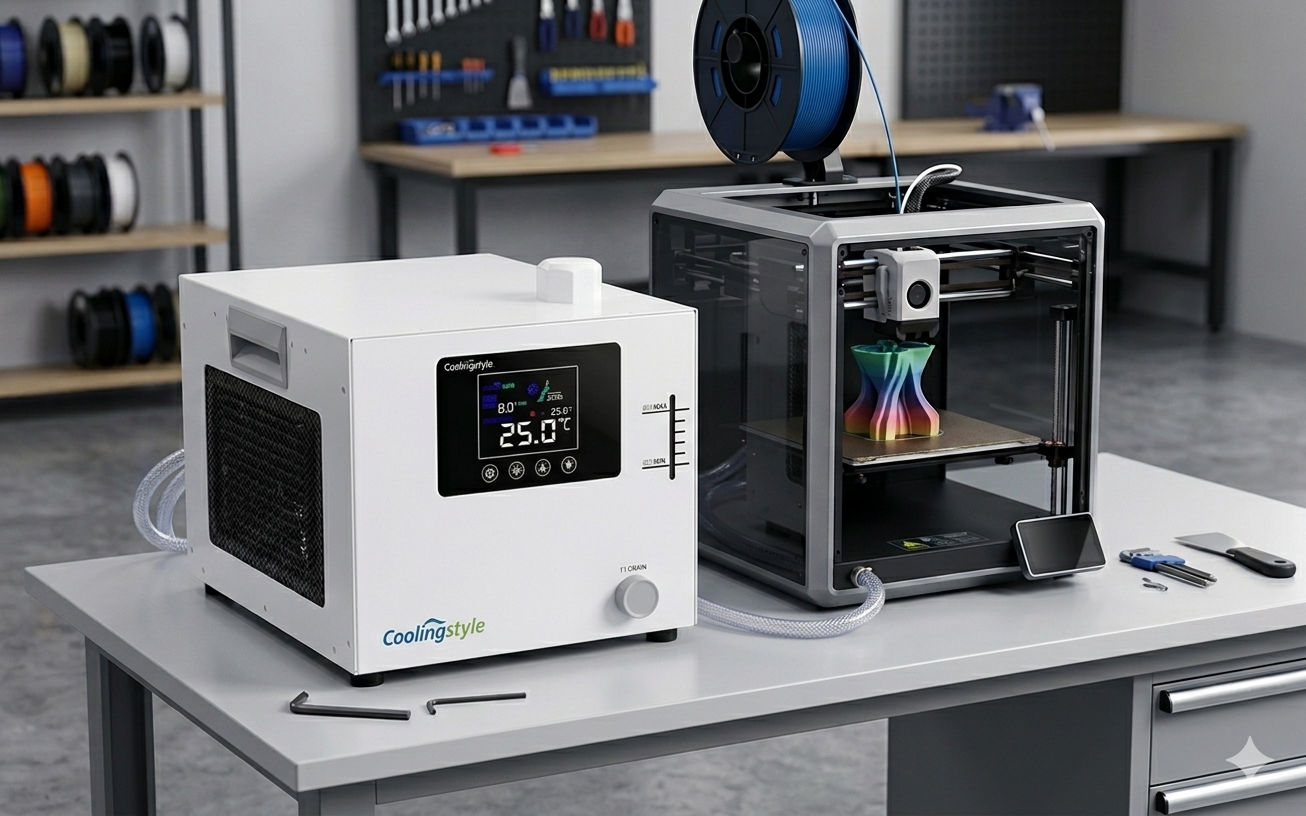
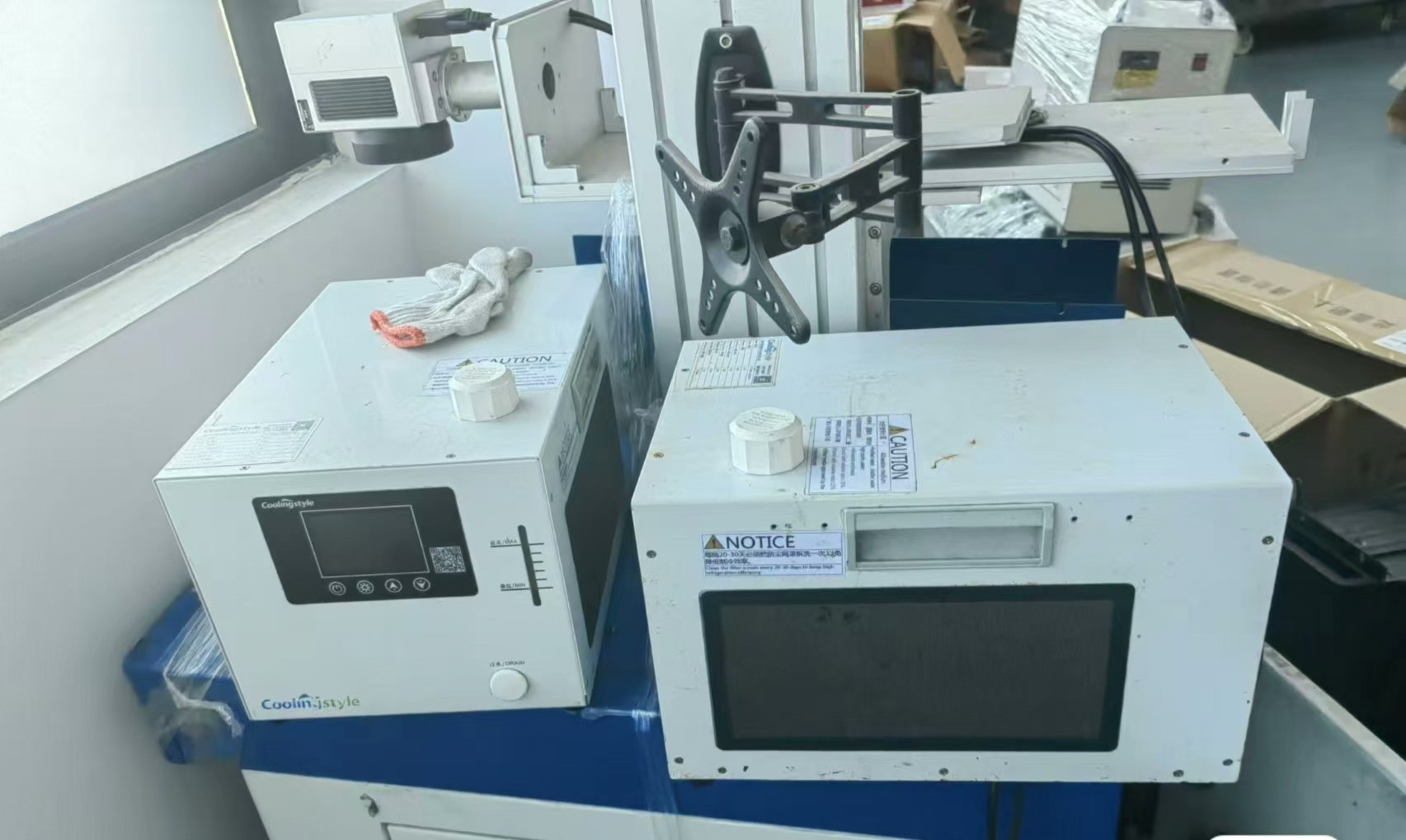
In this comprehensive guide, we will explore how to troubleshoot 3D printer temperature fluctuations and explain how advanced cooling solutions like coolingstyle—featuring ±0.01°C precision, compact micro design, eco-friendly R290 refrigerant, and microchannel heat exchange technology—can help maintain stable thermal conditions.
What Are Temperature Fluctuations in 3D Printing?
Temperature fluctuations refer to unwanted variations in the operating temperature of your 3D printer. These fluctuations can occur in:
- Extruder temperature
- Heated bed temperature
- Ambient environment
- Cooling system performance
Even small variations can cause significant issues in print quality.
Common Symptoms of Temperature Instability
- Inconsistent extrusion
- Stringing or blobs
- Layer separation
- Warping or deformation
- Frequent print failures
Recognizing these symptoms early helps prevent more serious problems.
Main Causes of Temperature Fluctuations
1. Inefficient Cooling Systems
Basic fan-based cooling often cannot maintain consistent temperatures, especially during long print jobs.
2. Environmental Changes
Drafts, air conditioning, and room temperature variations can disrupt thermal stability.
3. Poor Thermal Management
Inadequate heat dissipation leads to overheating and unstable conditions.
4. Hardware Limitations
Low-quality components may struggle to maintain precise temperature control.
5. Continuous Operation
Extended printing sessions generate heat buildup, increasing fluctuation risks.
Step-by-Step Troubleshooting Guide
Step 1: Check Temperature Settings
Ensure your printer settings match the material requirements. Incorrect settings can cause instability.
Step 2: Inspect Cooling System
Evaluate whether your current cooling system is sufficient. Upgrading to a professional Chiller can significantly improve stability.
Step 3: Improve Ventilation
Ensure proper airflow around the printer to prevent heat buildup.
Step 4: Monitor Ambient Conditions
Keep your printing environment consistent and free from sudden temperature changes.
Step 5: Upgrade Equipment
If fluctuations persist, consider upgrading to a high-performance cooling solution.
How a Chiller Solves Temperature Fluctuations
Precise Temperature Control
A chiller maintains a stable temperature, eliminating fluctuations that affect print quality.
Advanced systems like Chiller solutions provide ±0.01°C precision, ensuring optimal conditions.
Efficient Heat Removal
Water-based cooling systems remove heat more effectively than air-based methods.
Continuous Stability
Chillers are designed for long-term operation, supporting consistent performance.
The coolingstyle Advantage
coolingstyle offers cutting-edge cooling solutions tailored for modern 3D printing needs.
Key Features:
- Ultra-high precision temperature control (±0.01°C)
- Compact micro design for space-saving installation
- Eco-friendly R290 refrigerant
- Advanced microchannel heat exchange technology
- Energy-efficient and reliable performance
These features ensure stable thermal conditions, reducing fluctuations and improving print quality.
Real-World Benefits
Improved Print Consistency
Stable temperatures lead to uniform material behavior.
Reduced Failures
Minimizing fluctuations decreases the likelihood of defects.
Lower Costs
Fewer failed prints mean less material waste and maintenance.
Scalability
Reliable cooling supports business growth and increased production.
For professional setups, integrating a Chiller system is essential.
Best Practices for Maintaining Stability
- Regularly monitor temperature
- Maintain consistent ambient conditions
- Perform routine equipment maintenance
- Use high-quality cooling systems
Common Mistakes to Avoid
- Ignoring small fluctuations
- Relying solely on air cooling
- Using outdated equipment
- Neglecting maintenance
Future Trends in Temperature Control
- Smart cooling systems with real-time monitoring
- Compact high-performance chillers
- Eco-friendly refrigerant adoption
- Integration with automated workflows
Conclusion
Temperature fluctuations can significantly impact 3D printing performance, leading to inconsistent results and increased costs. Identifying the root causes and implementing effective solutions is essential for success.
A high-performance chiller provides the precision and stability needed to eliminate these issues. With its 0.01°C precision, compact design, eco-friendly R290 refrigerant, and microchannel heat exchange technology, coolingstyle offers a powerful solution for maintaining consistent thermal conditions.
By investing in proper cooling, you can enhance print quality, reduce failures, and optimize your 3D printing workflow.